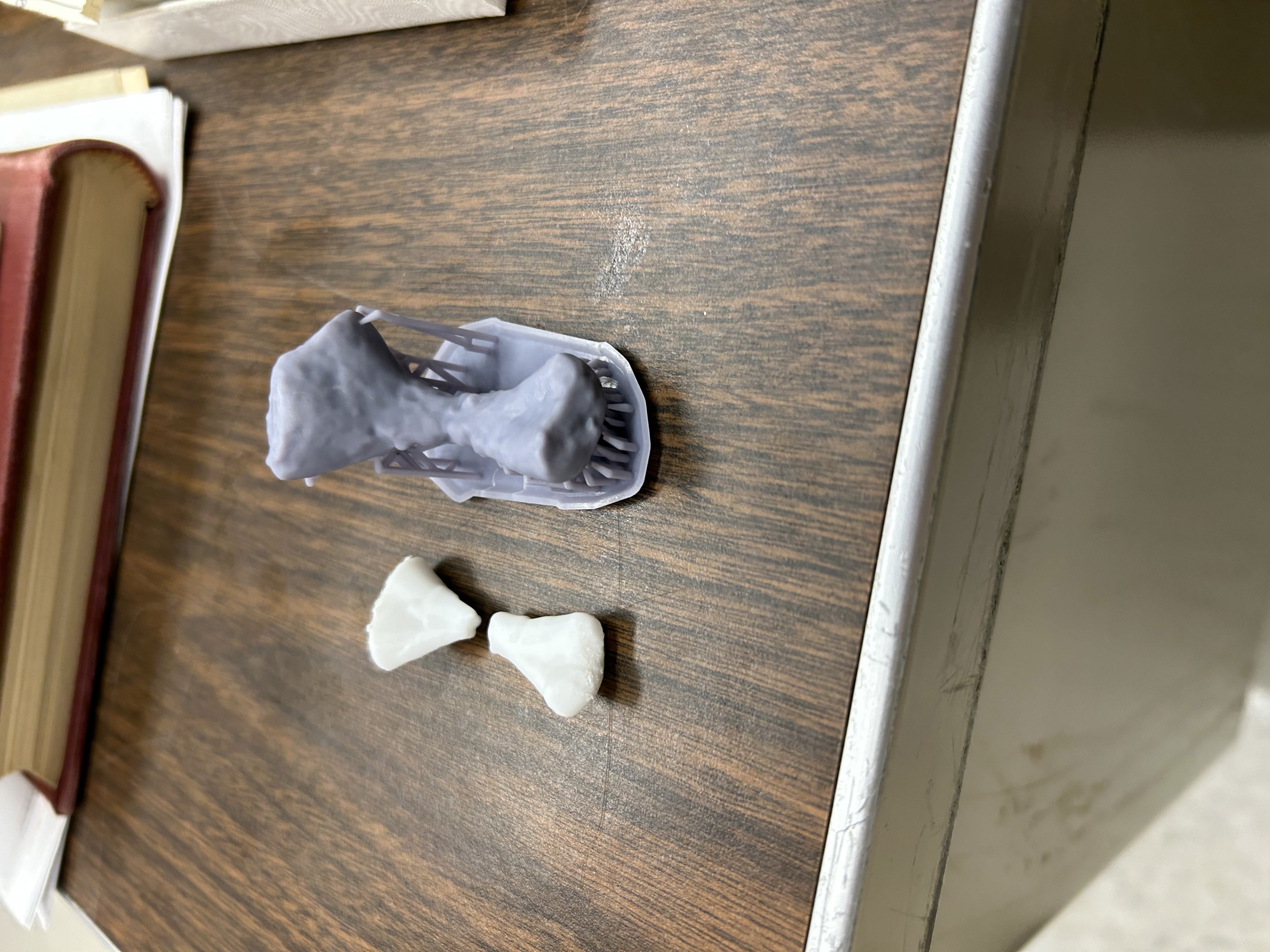
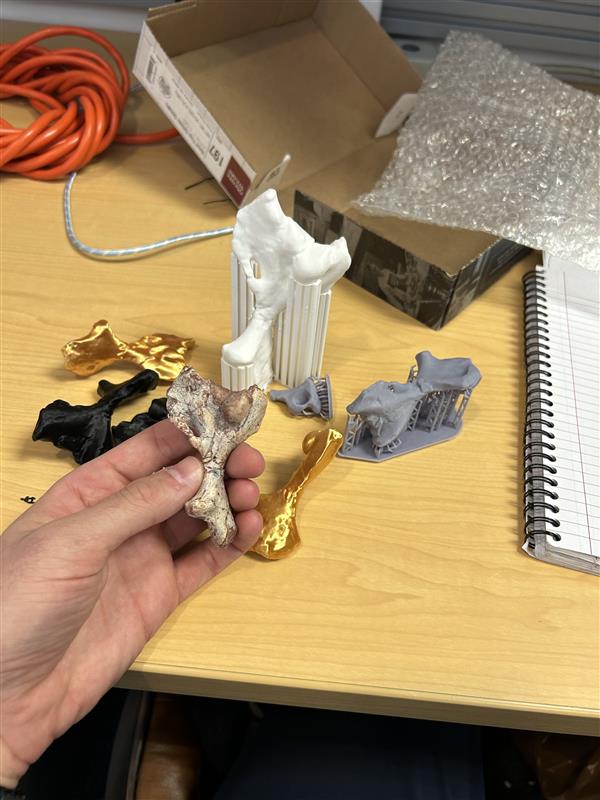
I had a professor on our campus ask if we could make scans and copies of some of the fossils he had in his collection. The professor, Stuart Sumida, mentioned that he wanted to give people the chance to examine the details of the fossil without worrying about breaking it, as well as have copies of the fossils to take on trips. While the fossils are relatively resilient, people still tend to freak out when they hear that the fossils are 250,000,000+ years old (I know I did when I heard that).
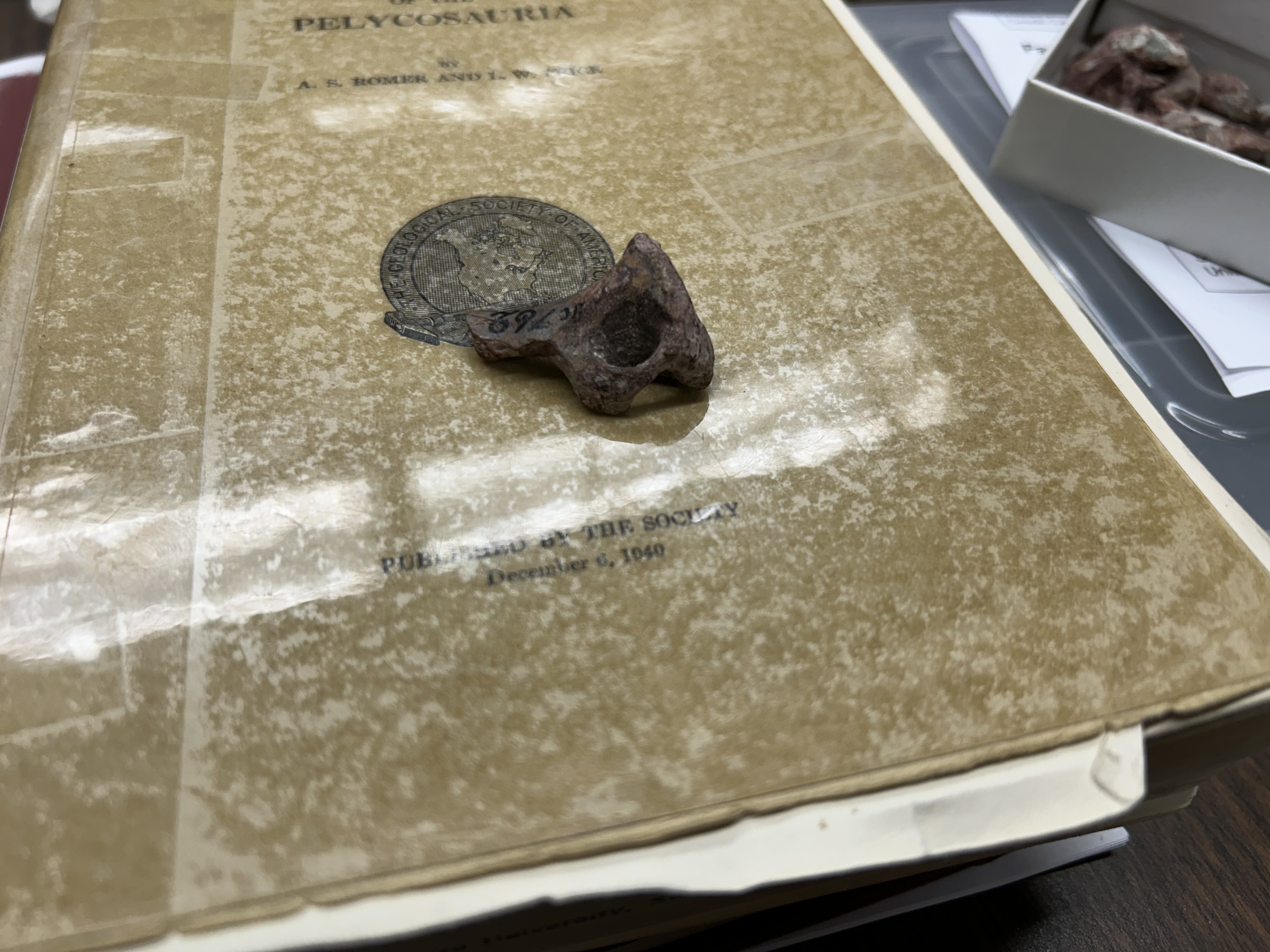
So there are a couple of problems we had to tackle to make this possible. First, the fossils are really small, and not easily scannable with the scanners we had. So I went out and got a scanner that would be able to handle the smaller details of the print.
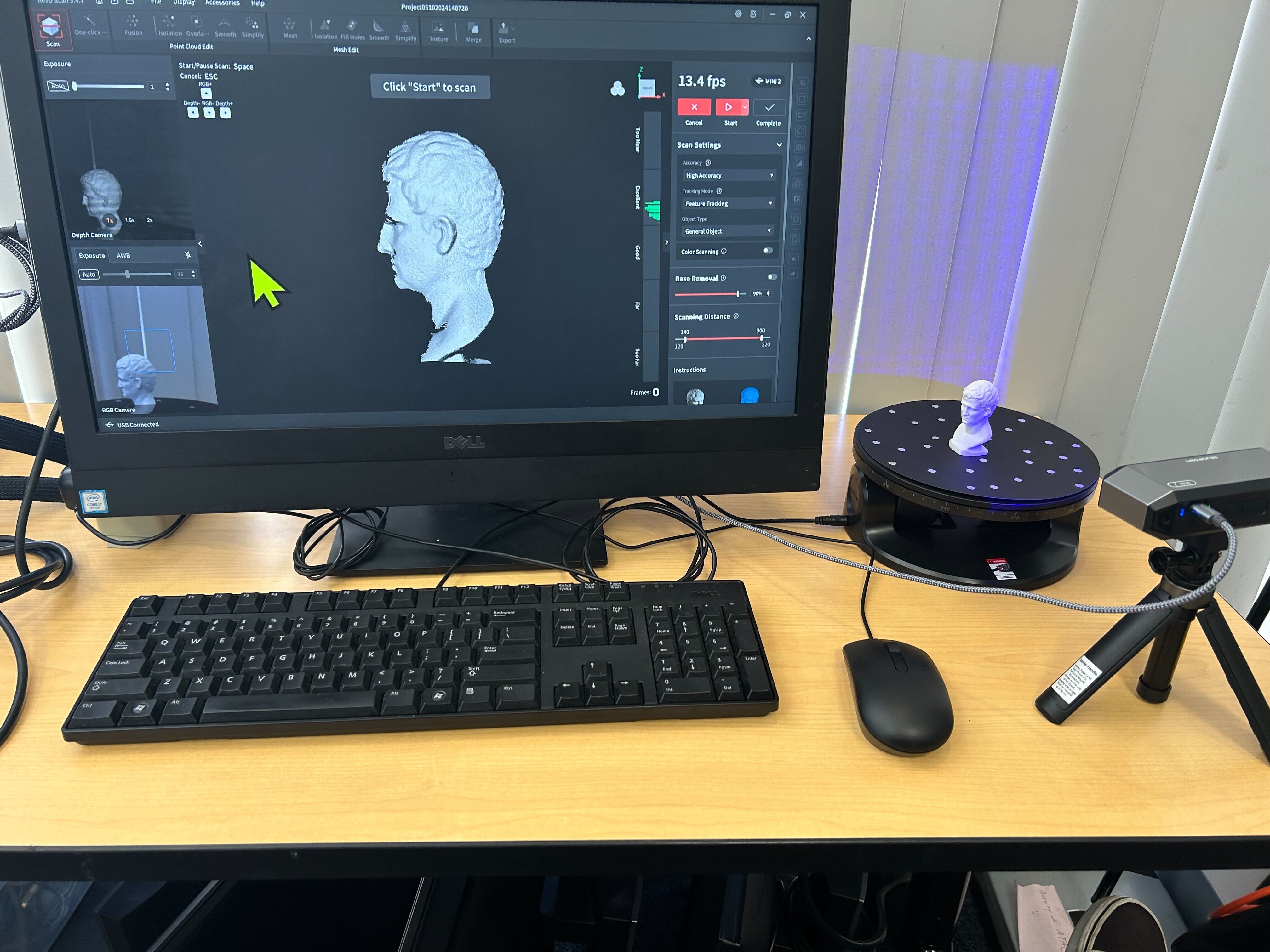
(I forgot to take pictures or videos of the scanning process...So just trust me when I write out this next part 😅). To get a good scan, you need to take some scans of the object from multiple angles. If you read my WildSong write up, you know that we can take multiple (hundreds) of photos of an object, and feed them into a photogrammetry program to "stich" the pictures together and make a 3D model. Because the Wild Song statue is huge, we had to use a camera to take the pictures individually. But because these fossils are so small, we can just put them on the disk to spin as the scanner captures images of the item.
.jpg)
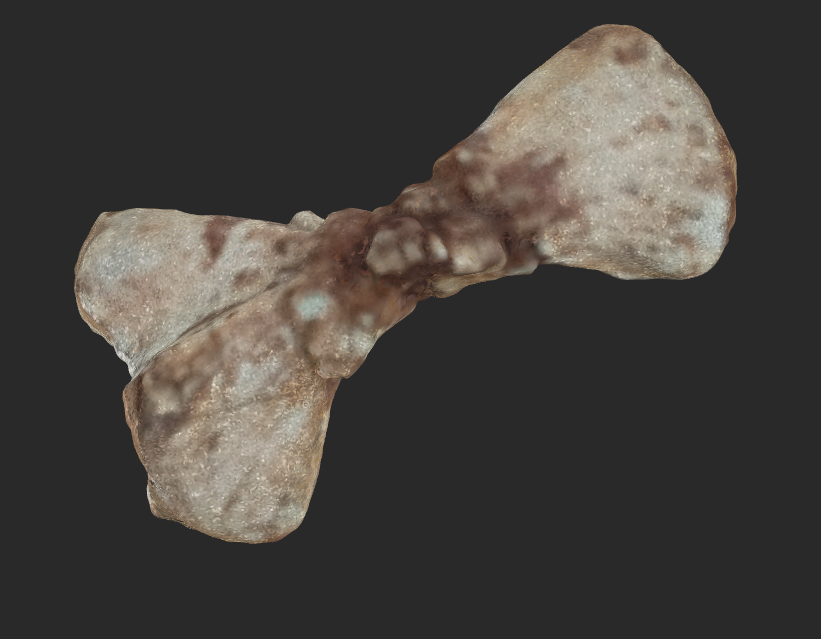
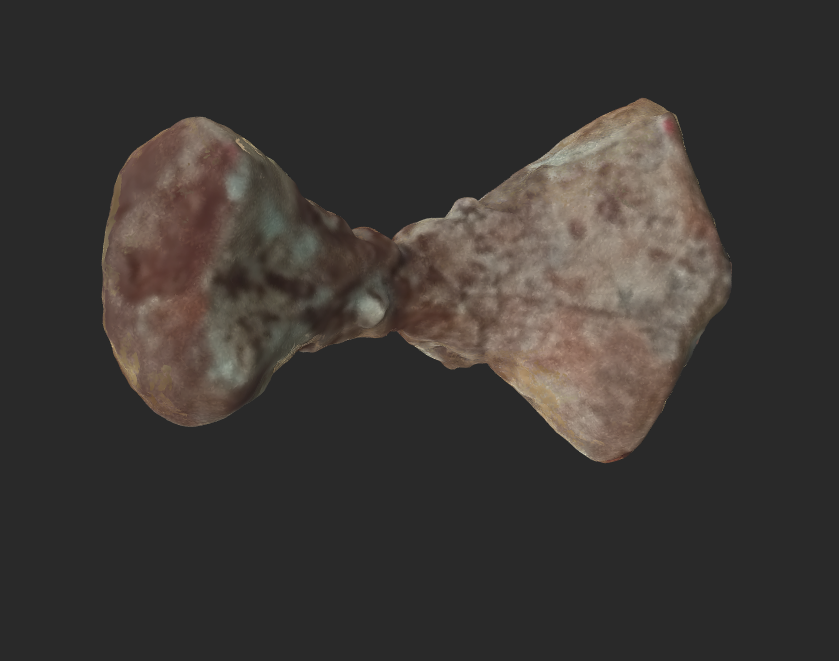
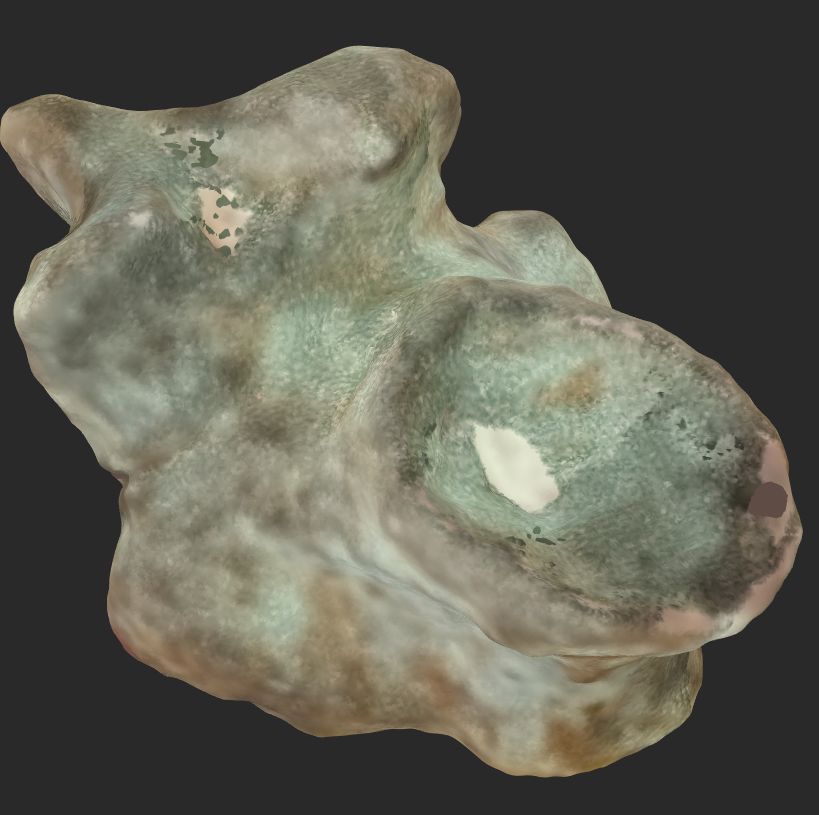
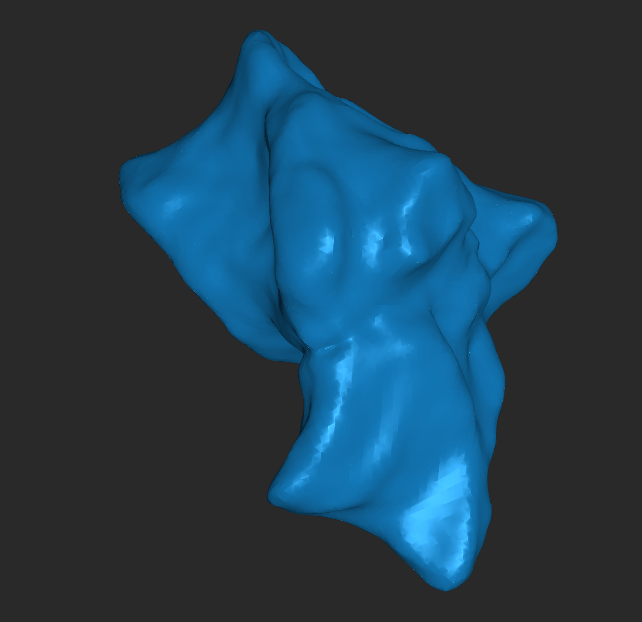
So now we have a bunch of scans! We can now throw these into a slicer, and hit print.
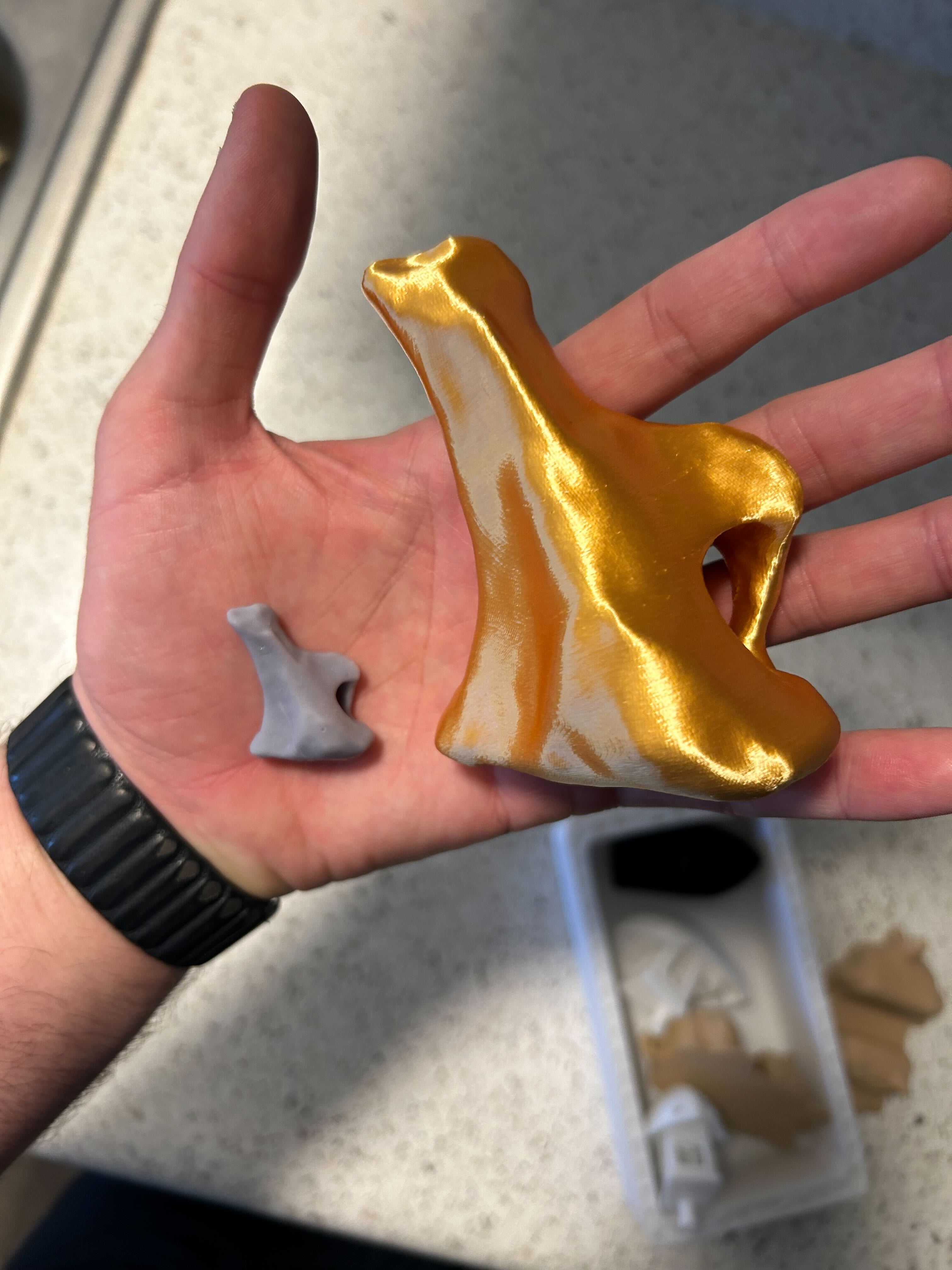
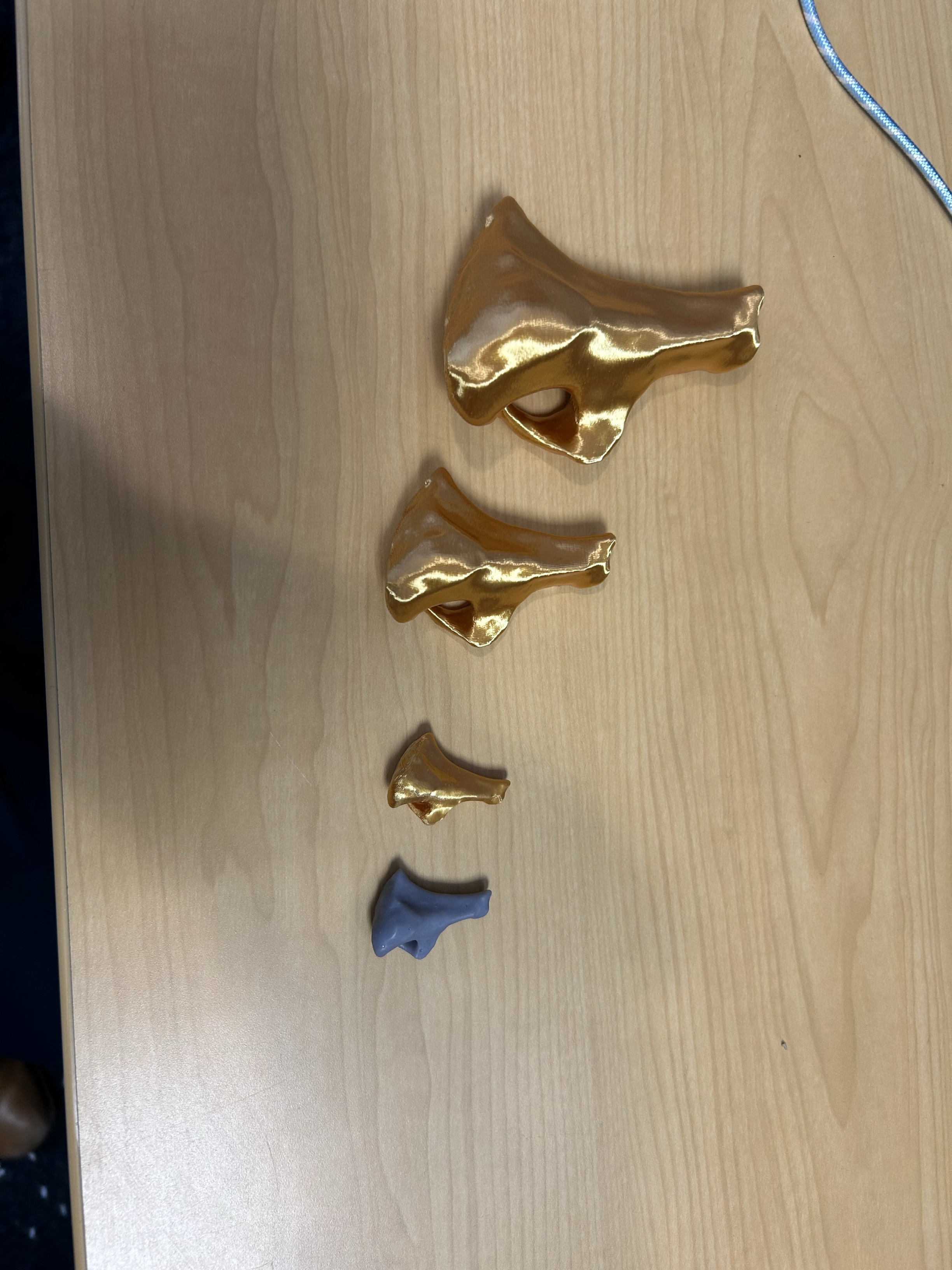
Now that we have the models done, we can do other cool stuff as well. The professor had the idea of animating some of the fossils so you could compare and contrast the differences. In this case, we animated a baby version and adult version of a femur so that they rotate, and you can see the differences in size and shape, and how the baby femur would eventually turn into an adult femur.
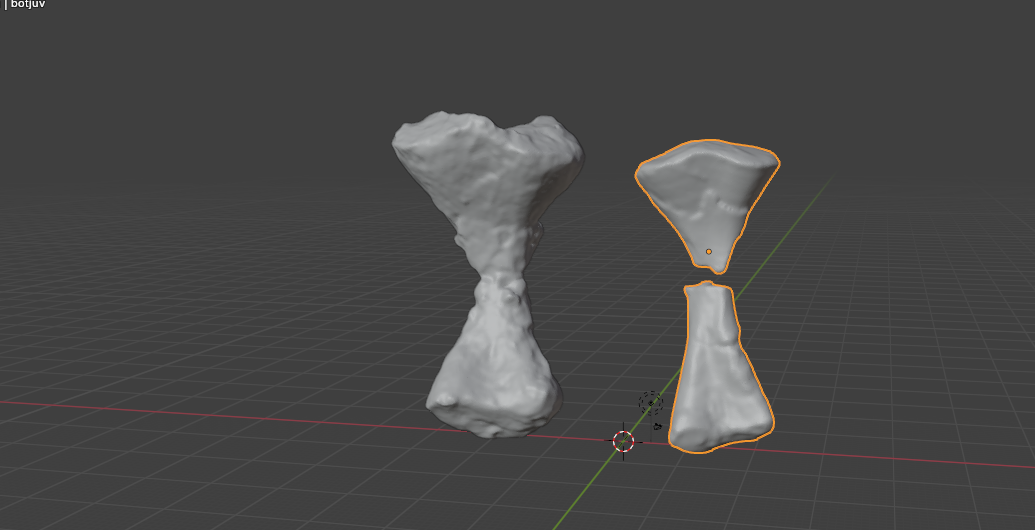
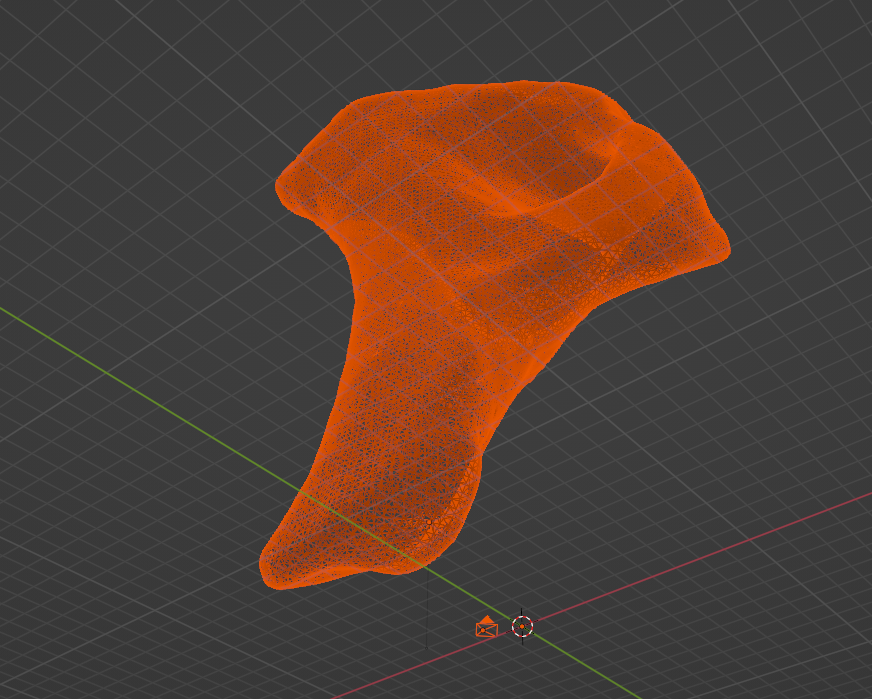
The scans also look really cool when oppened up in Blender. Here is a render of one of the fossils, and you get in really close to see all the details.
.jpg)